

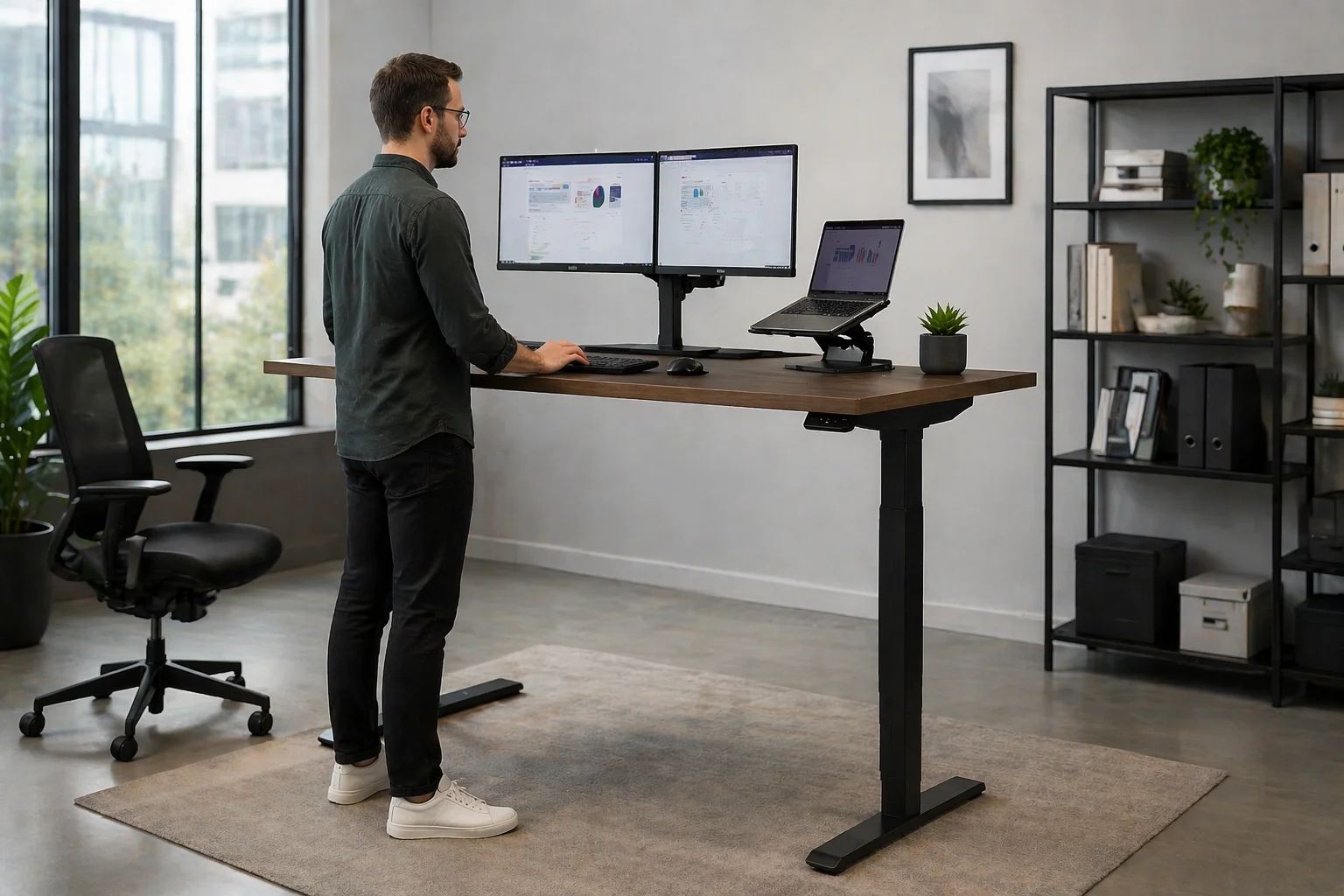
The height adjustable desk is frequently described as a standing desk, as though its purpose were to replace sitting with standing. That misses the point. Standing still for hours has drawbacks of its own, and the real value lies in changing position easily through the day. An ergonomic height adjustable desk lets each person set a correct sitting height, raise the surface for a spell on their feet and lower it again in seconds, so the furniture adapts to the worker and the task.
Movement, Not Standing, Is the Aim
Guidance on workplace posture tends to agree on one thing: no single position suits the body for long periods. The benefit of an adjustable surface is that it removes the barrier to changing posture. Someone who can raise the desk at the touch of a button is far more likely to do so than someone who must relocate to a high counter. The pattern that works is frequent, modest change, not long stretches of standing.
A Correct Fit When Seated
Fixed desks are built to one height, which suits a limited band of people. Shorter users raise their chairs and lose contact with the floor; taller users hunch. An adjustable frame solves this before anyone stands at all, because the worktop can be set so that forearms rest level with the shoulders relaxed. In offices with a mixed workforce, this seated adjustment is arguably the more important feature, though it receives less attention.
Sharing Desks Between People
Hot-desking and hybrid schedules mean one workstation may serve several people in a week. A fixed desk forces each of them to compromise. With an adjustable frame, and particularly with memory presets on the control panel, a user can restore a preferred sitting and standing height in moments. This makes shared desks more acceptable to staff and reduces the temptation to reserve particular workstations, which defeats the purpose of sharing.
Electric, Crank and Pneumatic Mechanisms
Three mechanisms are common. Hand-crank frames are economical but slow, and in practice are adjusted rarely. Pneumatic frames move quickly but suit lighter loads. Electric frames are the usual choice for offices, since they lift steadily under the weight of monitors and equipment. When assessing an electric sit-stand desk, check whether it has one motor or two, how many stages each leg has, the rated lifting capacity and whether an anti-collision function is fitted.
Stability at Full Height
A desk that is solid when low may wobble when raised, and a swaying monitor soon discourages standing. Stability depends on leg section size, the overlap between leg stages, the crossbar or frame design and the feet. Test a sample at standing height by typing and leaning lightly on the front edge. Heavier frames with longer feet generally perform better, and uneven floors should be corrected with the levelling glides before the desk is judged.
Worktop Size and Load
The frame is only half the product. The worktop should be deep enough to place the monitor at arm’s length and wide enough for the equipment in regular use. Check the rated load against the real weight of screens, arms, a desktop computer and anything stored on the surface. Thicker boards resist flexing across the span between the legs, and a rounded front edge is more comfortable for wrists and forearms.
Cables That Travel With the Desk
A moving desk needs cabling that moves with it. Leads that are just long enough when the surface is low will pull tight or unplug when it rises. A cable tray under the worktop, a flexible spine or sleeve to the floor and a power strip fixed to the desk itself keep everything tidy. Check the full travel after installation, raising the desk to maximum height with all equipment connected.
Planning the Office Around Them
Adjustable desks affect layout. A standing person sees over low screens and into neighbouring workstations, so partition height and placement may need review. Storage pedestals cannot sit under a worktop that descends, unless they are low or mobile. Each desk needs a power outlet, which matters when planning floor boxes. Benching systems with shared frames are available, but check that each position moves independently and that one user’s adjustment does not disturb the next.
Helping Staff Use Them Well
Desks that are bought and never raised deliver nothing. A short briefing at handover makes a difference: how to set sitting and standing heights, where the monitor should sit, and a reminder to change position regularly without overdoing the standing. Supportive footwear, or an anti-fatigue mat for those who stand often, improves comfort. Anyone with an existing back or joint condition should take advice suited to their own circumstances.
Deciding Whether to Invest
For a team that spends most of the day at screens, adjustable desks are a reasonable investment when the frame is stable, the height range covers the shortest and tallest users, and the controls are simple. Start with a pilot group if the budget is tight, and observe whether the desks are actually adjusted. Compare warranties on motors and electronics as well as frames. A well-specified height adjustable office workstation should serve for years with little attention.
